SSC MTS Typing Test
📝 SSC MTS Typing Test
Online Practice 2026
The most accurate free SSC MTS typing test simulator for Typist post aspirants. Practice Hindi and English typing with real government-style paragraphs, backspace-disabled mode, and a 10-minute countdown — exactly how the actual exam works. No registration needed.
▶ Start Free Typing TestSSC MTS Typing Test 2026 — Everything You Need to Know
The SSC MTS (Multi Tasking Staff) Typing Test is a mandatory Skill Test conducted at Tier-2 level for candidates applying for Typist posts across Central Government departments. It is not required for all MTS posts — only for the designated Typist category.
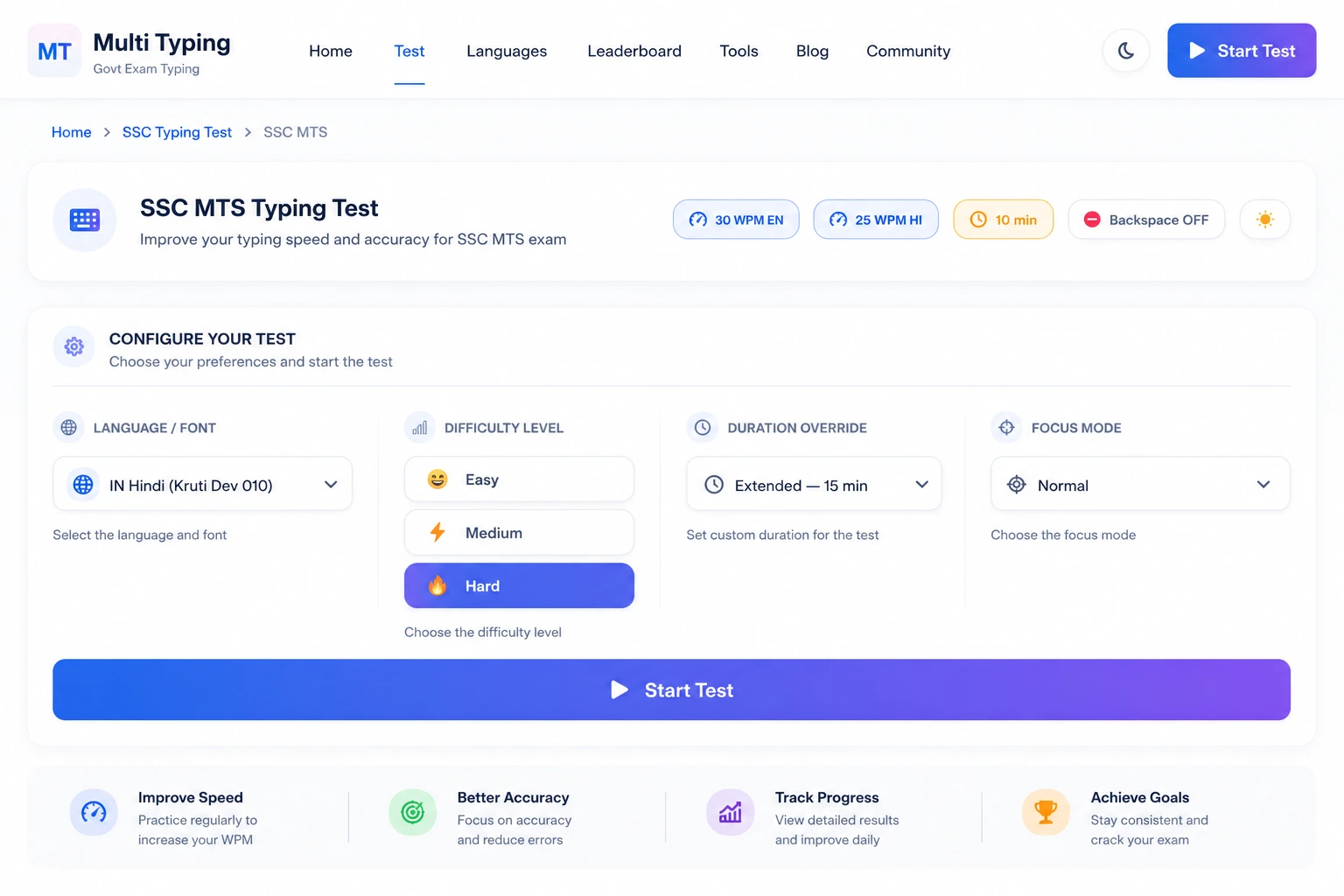
The test runs for exactly 10 minutes with the Backspace key completely disabled. Every error you make reduces your net speed. The qualifying bar is 30 WPM for English and 25 WPM for Hindi — measured as net speed, not gross.
Our simulator replicates this environment precisely: real-style paragraphs, a strict timer, backspace disabled, and instant feedback on accuracy and net WPM. Whether you're starting from scratch or fine-tuning your speed in the final days before the exam, MultiTyping gives you the most realistic practice available — completely free.
SSC MTS Typing Speed Requirements 2026
Official speed standards for Typist posts — always verify from the latest SSC notification before your exam.
| Exam Stage | Language | Required Net Speed | Duration | Allowed Font | Backspace |
|---|---|---|---|---|---|
| SSC MTS Tier-2 (Skill Test) | English | 30 WPM Net | 10 Minutes | Standard QWERTY | ❌ Disabled |
| SSC MTS Tier-2 (Skill Test) | Hindi | 25 WPM Net | 10 Minutes | Mangal (Inscript) / Kruti Dev 010 | ❌ Disabled |
| ⚠️ Net WPM = (Total Words Typed − Error Penalty) ÷ Minutes. Confirm font and speed requirements from the official SSC MTS notification for your cycle. | |||||
How Net WPM is Calculated in SSC MTS
SSC does not use gross WPM as your final score. The formula most commonly applied is:
Net WPM = (Total Words Typed − (Errors × 2)) ÷ Duration in Minutes
This means each error costs you two words from your score. If you type 35 gross WPM but make 5 mistakes in 10 minutes, your net WPM drops to 34 WPM — still qualifying, but cutting it close. Here is a practical guide for your preparation targets:
- For English (30 WPM) — aim for a gross speed of 33–36 WPM to have a comfortable buffer for errors.
- For Hindi (25 WPM) — maintain a gross target of 28–30 WPM with accuracy above 95%.
- Never sacrifice accuracy for speed. An error-heavy 40 WPM typist can easily fall below the cut-off.
Our platform displays your net WPM in real-time so you always know exactly where you stand.
Hindi Typing — Mangal vs Kruti Dev
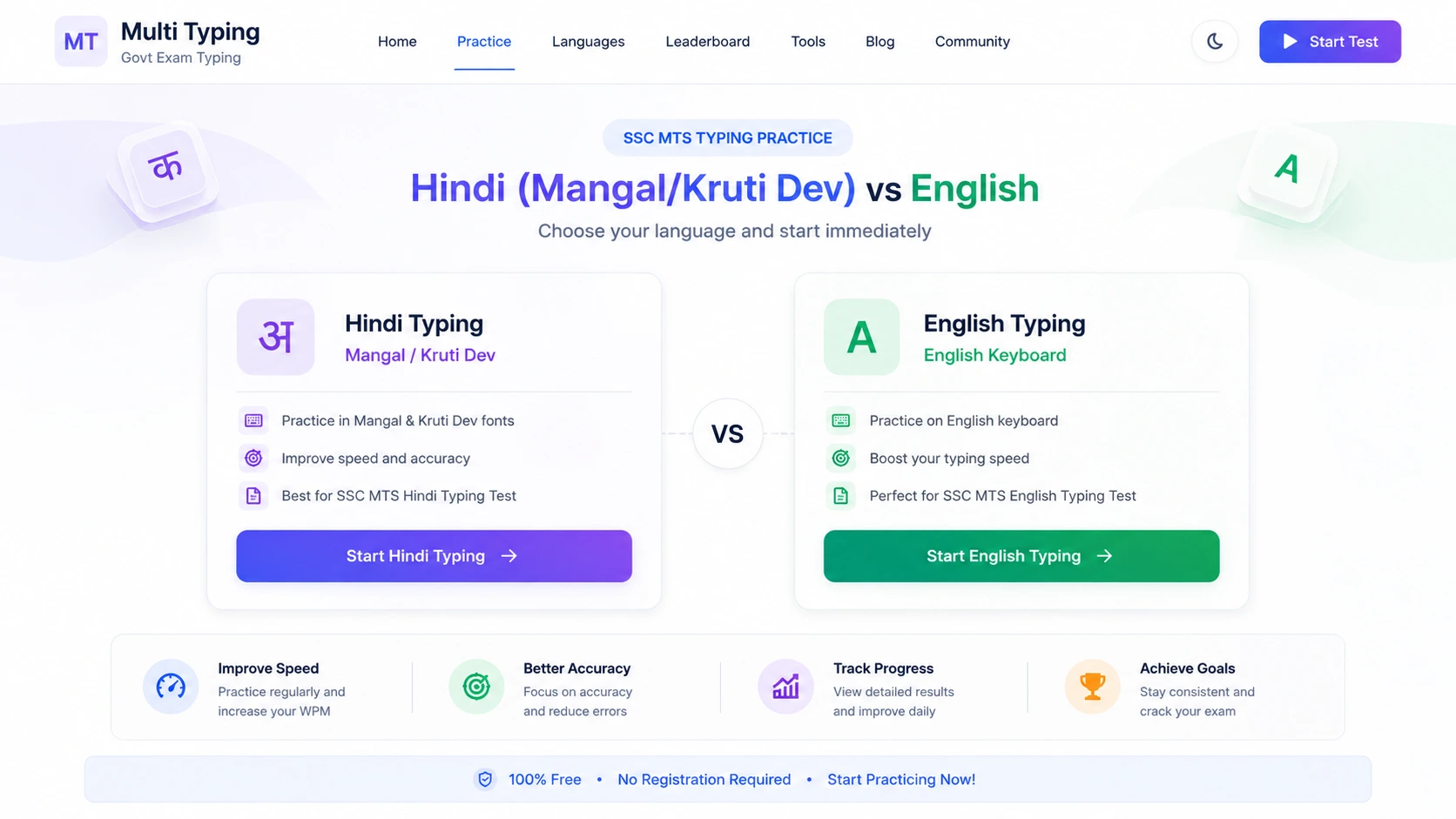
SSC MTS allows candidates to type Hindi using either Mangal (Inscript keyboard layout) or Kruti Dev 010 (Remington Gail layout), depending on what the notification specifies for a given cycle.
Mangal uses the standard Inscript layout built into Windows. Kruti Dev follows the old Remington layout familiar to typewriter-trained typists. Practice both on MultiTyping and switch to whichever feels more natural for you before the exam.
Why Backspace Disabled Matters
The backspace-disabled rule is the single biggest challenge in the SSC MTS typing test. In daily typing, most people unconsciously hit backspace several times a minute — in the exam, each of those corrections becomes a permanent error that drags down your net WPM.
Training with backspace disabled from day one trains your fingers to type carefully rather than carelessly. Our simulator enforces this rule strictly, just like the real test environment. Do not practice on tools that allow backspace — they will give you false confidence.
7 Proven Tips to Clear the SSC MTS Typing Test
Practical, experience-backed advice from candidates who have cleared the typing test on their first attempt.
Always Practice Backspace-Disabled
Use MultiTyping's exam mode from your very first session. The adjustment period is painful, but it builds the accuracy instinct that the exam demands.
Target Gross Speed 20% Above the Cut-Off
You need 30 WPM net? Train to 36 WPM gross. The buffer absorbs errors and test-day nervousness without putting your result at risk.
Practice Full 10-Minute Sessions
Speed in minute one means nothing if your pace drops by minute eight. Build endurance with complete timed sessions every day.
Learn the Correct Finger Positions
Touch typing with proper home-row technique is far faster than hunting-and-pecking. Spend two weeks on finger placement before focusing on speed.
Use the Same Font You'll Type in the Exam
For Hindi, confirm whether the exam uses Mangal or Kruti Dev for your cycle. Practice exclusively in that font — layout differences will trip you up on exam day.
Track Your Progress Daily
Note your net WPM and error rate after every session. A consistent upward trend over 30 days is more valuable than occasional high scores.
Simulate Exam Day Conditions
In your final week, practice at the same time of day as your exam slot, in a quiet environment, wearing the clothes you plan to wear. Remove every variable you can control.
SSC MTS vs SSC CHSL vs SSC CGL Typing — Quick Comparison
How does MTS typing compare to other SSC exams? Here's a clear side-by-side view.
| Exam | Post Category | English Speed | Hindi Speed | Duration | Education |
|---|---|---|---|---|---|
| SSC MTS | Typist (MTS Grade) | 30 WPM (Net) | 25 WPM (Net) | 10 Min | Matriculation |
| SSC CHSL | Lower Division Clerk / DEO | 35 WPM (Net) | 30 WPM (Net) | 10 Min | 12th Pass |
| SSC CGL | Tax Assistant / DEO Grade A | 35 WPM (Net) | 30 WPM (Net) | 15 Min | Graduate |
| ⚠️ Speed requirements may vary by notification cycle. Always confirm from the official SSC notification for your exam. | |||||
SSC MTS Typing Test — Frequently Asked Questions
Answers to the most common questions from SSC MTS aspirants about the typing test.
Is the SSC MTS typing test mandatory for all candidates?
Should I choose Hindi or English typing for SSC MTS?
What is the difference between Mangal (Inscript) and Kruti Dev typing?
What happens if I press Backspace during the SSC MTS typing test?
How many days of practice do I need to clear the SSC MTS typing test?
Does the SSC MTS typing test have a negative marking system?
Can I practice SSC MTS typing test on a mobile phone?
📝 Ready to Clear the SSC MTS Typing Test?
Real paragraphs · Backspace disabled · Hindi & English · 10-minute timer · Completely free.